.svg)
Automate development workflows with CodeSync
CodeSync connects your development workflows with intelligent AI automation, helping teams synchronize project data, automate repetitive tasks, manage updates, and keep development processes organized. Spend less time managing routine work and more time building better products.
- Automated code workflows — Streamline repetitive development tasks with AI.
- Project synchronization — Keep project data and updates aligned automatically.
- Smart task management — Organize development tasks and prioritize work efficiently.
- Automated updates — Keep teams informed when important changes occur.
CodeSync brings your everyday development processes together in one automated workflow. From task updates to project synchronization, AI handles routine operations while your team stays focused on building and shipping better products.
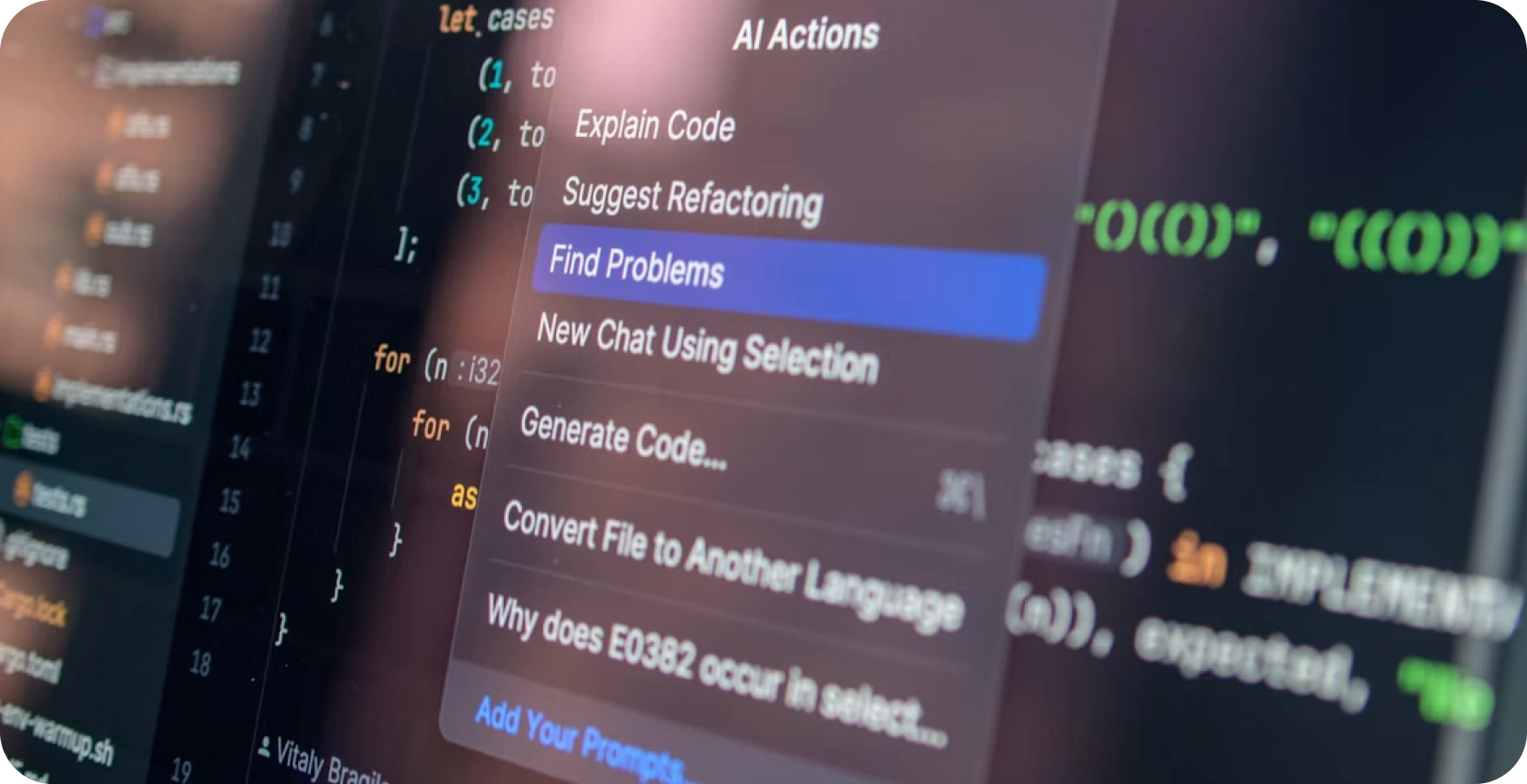
Connect your development workflows with intelligent automation
CodeSync is a smart developer automation platform designed to connect your coding workflows, project management, and team operations in one seamless system. It uses AI-powered triggers and actions to reduce repetitive development tasks, synchronize project updates, organize work, and keep teams informed without constant manual intervention.
From managing new issues and prioritizing tasks to tracking project changes and sending automated notifications, CodeSync helps your development team move faster while maintaining a clear, organized workflow. It works quietly in the background, handling routine processes.
- Automate repetitive development tasks
- Synchronize project data and updates
- Connect multiple development processes
- Trigger actions from specific events
Built for modern development teams
Whether you're managing a small product team or a growing engineering organization, CodeSync makes complex development workflows easier to manage. Connect your tools, define your automation, and let AI handle the repetitive work while your team stays focused on delivering better products.
Getting started with CodeSync takes just a few minutes. Follow these steps to connect your development tools and start automating your workflows.
- Connect your account — Click "Connect CodeSync" and sign in with your development platform credentials.
- Select your repositories — Choose which projects and repositories you want CodeSync to manage.
- Configure automation rules — Set up triggers for code reviews, deployments, and task updates.
- Invite your team — Add teammates so everyone stays synced on project changes.
- Go live — CodeSync starts monitoring your workflows and automating routine tasks immediately.
Need help mid-setup? Our onboarding guide walks through each integration option in detail.
Our support team is here to help you get the most out of CodeSync, whether you're just getting started or scaling to a larger engineering team.
- Help Center — Browse setup guides, troubleshooting tips, and best practices.
- Live chat — Reach our support team directly from your dashboard during business hours.
- Email support — Send us a message and hear back within one business day.
- Community forum — Connect with other developers using CodeSync to share tips and workflows.
If you run into an issue with automation rules or integrations, our team typically responds within a few hours and can help debug directly from your account.